

3D • VFX • Compositing Artist | 22 Commissions open — DC: nerolius. WuWa lover 🌊 | NO AI 🚫 | (MDNI)
Solaris-3
Joined June 2026
- Tweets1.5K
- Following1K
- Followers1.1K
- Likes8.8K






Pinned Tweet
💖 Commissions are OPEN! 💖
(3 slots open at once)
-
For more info and details you can message me here or on discord : nerolius.
-
Payments are trough paypal ✨
#blender #aftereffects

ALT All rights reserved: tinkywinky


Nero 🇫🇮 (Commissions Open) retweeted
Whats your guys fave moment in wuwa it could be msq or a thing that just happened in the lore
Need your guys ideas and opinions for something 👀



Whats your guys fave moment in wuwa it could be msq or a thing that just happened in the lore
Need your guys ideas and opinions for something 👀


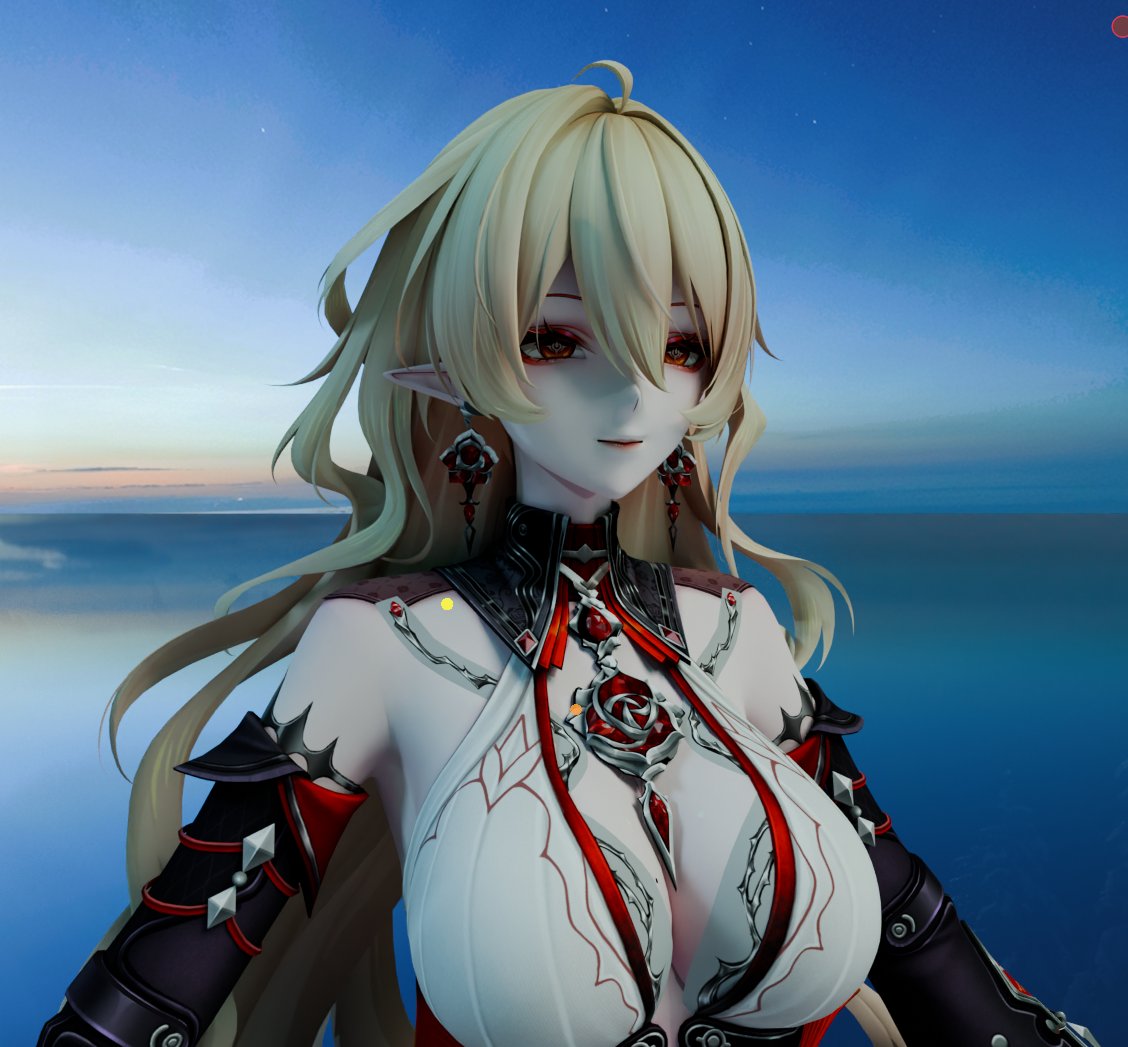
Did this comp study!
Picture by @Fulmine_WFS


ARF ARF ARF ARF ARF

What if we get a dark skin character 😶🌫️
#WutheringWaves #WuWa #鳴潮 #WuWaCollection #WuWaAnniversary


Nero 🇫🇮 (Commissions Open) retweeted

Wuthering Waves: A Look Behind the Scenes at Rain and Wetness Effects
Special Feature: KURO GAMES Graphics Development Team Campus Recruitment
This article explains how KURO GAMES' Graphics Development Team creates realistic rain, wet clothing, flowing water droplets, and environmental interactions in Wuthering Waves. These effects are connected through several systems, including weather, water-level detection, character materials, animations, and terrain rendering.
1. Rainfall: How Characters Get Wet
The wetness system is designed around real-world observations of how rain affects clothing and skin.
- When a character enters a rainy area, the weather system sends the current weather state to the character system.
- Wetness gradually spreads from the top of the character's body downward.
- The transition is controlled by an adjustable time curve that determines how quickly the character becomes wet.
- In the current configuration, the character starts getting wet approximately 2 seconds after entering the rain, and the transition takes around 5 seconds to complete.
- As the character gets wet, clothing becomes darker, while surface reflections and watermarks appear.
- After leaving the rain, wetness gradually disappears over approximately 13 seconds.
Technical implementation:
- The C++ system calculates the character's wetness based on rainfall intensity and the proportion of the character submerged in water.
- This information is synchronized with character materials through Custom Primitive Data.
- Clothing, skin, and accessories share the same wetness progress value but apply their own visual effects.
2. Boundaries and Limits: Detecting Rain, Water, and Shelter
The system handles rainfall and water submersion differently:
- Rain: Wetness spreads from top to bottom.
- Water: Wetness spreads from the submerged parts upward.
Water-level detection:
- The system uses a capsule positioned close to the character's body.
- It performs a downward asynchronous raycast to detect the water surface.
- By comparing the water level with the capsule's upper and lower boundaries, it calculates the character's submersion ratio.
- When entering water, there is approximately a 0.5-second delay before the submerged areas begin getting wet.
- After leaving the water, wetness remains for approximately 12 seconds, then gradually fades over another 12 seconds.
Shelter detection:
- When a character enters an area protected by a roof, the system performs an upward asynchronous raycast to detect building structures.
- After a short delay, the wet area begins fading from top to bottom.
- Once the character leaves the sheltered area, the rainy weather effect becomes active again.
These detection processes continue running as the character moves, constantly updating the wetness state according to the surrounding environment.
3. Wetness and Materials: Different Surfaces React Differently
Different materials react differently to water, so the team adjusts their visual properties individually.
- Fabric: Becomes darker when wet.
- Skin: Gains stronger reflections and a glossier appearance.
- Metal accessories: Retain their original appearance.
- Semi-transparent clothing: Uses separate brightness and light-transmission controls to prevent the visuals from becoming muddy.
The team adjusts several material parameters, including:
- Metallicity
- Roughness
- Saturation
- Brightness
- Opacity
Wetness boundaries:
- The system uses transition textures to break up uniform wetness boundaries.
- This allows watermarks to spread downward in more natural shapes.
- A unified wetness progress value is processed and divided across different material regions, creating their individual wet effects.
4. Flow and Light: Creating Realistic Water Droplets
Water droplets must maintain their volume, respond to lighting, and follow the character's body structure as they move.
Two-layer water droplet system:
- Light layer: Adds highlights based on environmental lighting.
- Dark layer: Reduces brightness in watermarked areas.
Combining these layers helps droplets maintain a realistic sense of volume under different lighting conditions.
Controlling water flow:
- The team creates a direction map that determines how water should flow across different parts of the character's body.
- A separate map controls the flow speed in different areas.
- Body parts with noticeable bends, such as shoulders and arms, receive additional adjustments to prevent watermarks from changing direction unnaturally.
Procedural droplet generation:
- Droplets should not appear too evenly distributed.
- The team first defines where droplets can appear, then uses randomized data to vary their positions and density.
- Smaller droplets are generated procedurally by dividing the character's unfolded surface into numerous small regions.
- The system randomly selects regions, generates droplets, and calculates their individual shapes.
- This helps avoid repetitive patterns caused by duplicated textures.
Once integrated into the character materials, water droplets and trails follow the body's movements during idle animations and other actions.
5. Water Trails and Footprints: Interactions with the Environment
The wetness system also affects the surrounding environment instead of being limited to the character.
Footprints and contact marks:
- When a wet character walks onto dry ground, their shoes leave temporary wet footprints.
- Watermarks also appear at body contact points when a wet character sits on objects such as chairs or sofas.
- These effects are implemented using decals.
- Separate textures are created for footprints and body-contact watermarks.
- The decals are applied during the corresponding animations and at the appropriate contact positions.
- They gradually fade over time to prevent marks from remaining indefinitely or continuously accumulating.
Snow footprints "KuroRenderTrail": For soft, accumulated snow, the team developed a separate terrain movement system called KuroRenderTrail.
- When a character's foot touches the ground, the system records the contact coordinates in real time.
- It checks the surface material at that location.
- Different terrain materials use different calculation formulas.
- These calculations determine the depth of the footprint's center and the height of its raised edges.
- The final footprint is rendered according to the terrain material.
6. Moving Forward Together
The graphics team explains that realistic effects require more than simply copying real-world phenomena. They must also work with:
- Character animations.
- Environmental rules and interactions.
- Different material properties.
- Hardware performance limitations.
Every detail behind the rainfall and wetness effects requires repeated adjustments and testing. The team is continuing to improve the realism of rain and its interactions with characters and the environment.
#WutheringWaves #WuWa
