




Kirk retweeted

everyone's sharing motion graphic videos that Opus 5.5 made, and it's genuinely insane
everyone says they created it with "one prompt", but my one prompt video looked mid
so i went through a bunch of these videos to see how they were actually made, and found the workflow that works
here's how to generate pro level motion graphic videos w/ opus:
1. get reference videos to direct from -> whatships.com
pick 1-2 videos whose style you want and tell opus to match them. naming a style works way better than describing one
without a reference, opus falls back to its default look: centered text, gradient background, everything fading in
that's why so many of these videos look the same. a reference gives it the pacing, the type and the transitions to copy
2. install @HyperFrames_ or @Remotion so opus can build the video
both let opus write every scene as code and render it straight to mp4. no video editor
without one, opus can only describe a video or hand you a rough html page you have to screen record
with it, every frame is exact, and when you ask for a change it edits one line and re-renders instead of starting over
3. install @21st_dev for high quality components in the video
real buttons, cards and UI components made by design engineers, instead of whatever opus invents on the spot
without it, opus draws your product UI from scratch and it looks off. wrong spacing, placeholder boxes, fake-looking buttons
anyone who's used good software can feel it in a second, and the whole video reads as cheap
4. steps 1-3 were context + setup. now dump all of it into opus
your brand (logo, colors, fonts), screenshots of your real product, the reference video, and a quick braindump of how you see the video
then ask for 3 storyboard variants
without this, opus guesses your colors, your font and what your product even does. the video could be for any startup
with it, it could only be yours. and 3 variants means you pick a direction instead of fixing the first idea it had
5. pick the storyboard you like
ask for one still frame per scene before anything moves. fixing a storyboard is way cheaper than fixing a render
without this step, you only find out scene 4 is wrong after the whole thing is animated, and every fix means re-rendering. a still frame takes seconds to change
6. let claude cook
then give notes like a director: "slow every zoom to 0.7x", "hard cut here", "push in on the button"
without notes, the first render is usually 80% there, and that last 20% is what makes it look pro. vague notes like "make it better" get random changes. camera words get exactly the change you want
everyone has the same model. the context you give it is what makes it look pro
let it cooookk
Kirk retweeted

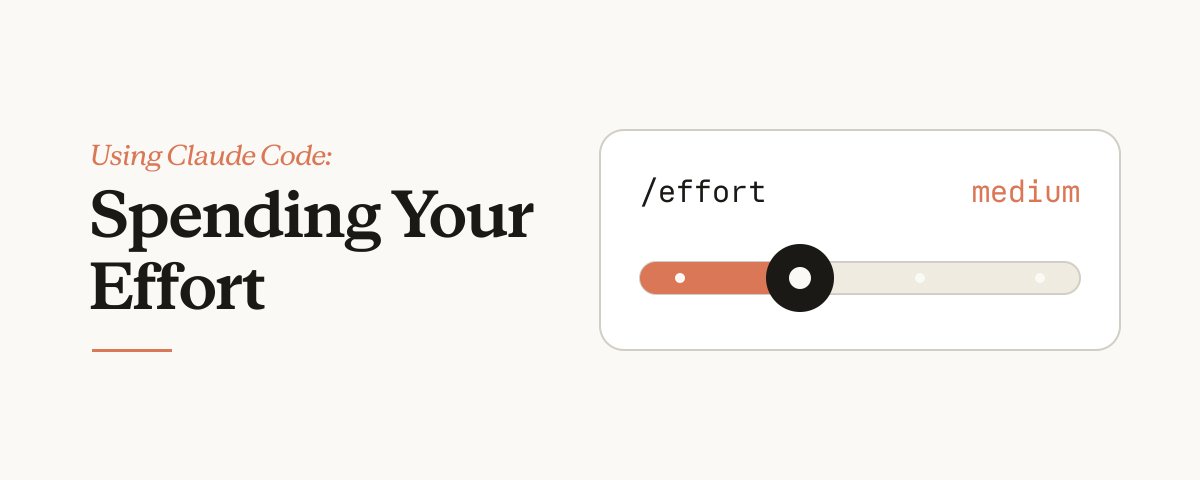
What is effort really? When do you change it it and why not just use max effort for everything?
I dove deep into this problem, looking into evals and doing my own tests and I was quite surprised by the results.
Kirk retweeted

Today, we share a breakthrough on the planar unit distance problem, a famous open question first posed by Paul Erdős in 1946.
For nearly 80 years, mathematicians believed the best possible solutions looked roughly like square grids.
An OpenAI model has now disproved that belief, discovering an entirely new family of constructions that performs better.
This marks the first time AI has autonomously solved a prominent open problem central to a field of mathematics.


