

Your browser workflow, simplified. Organize tabs, add notes, and set reminders — all in one interactive kanban board
Joined October 2020
- Tweets108
- Following2
- Followers196
- Likes144


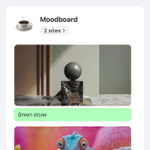



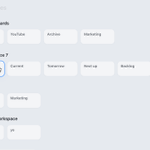


• Now in 9 New Languages: Spanish 🇪🇸, French 🇫🇷, German 🇩🇪, Indonesian 🇮🇩, Japanese 🇯🇵, Polish 🇵🇱, Swedish 🇸🇪, Vietnamese 🇻🇳, and Brazilian Portuguese 🇧🇷! 🌍
• Bug Fixes: Dark mode fixes, note deletion improvements, and more. 🐞
Read and see more at tabextend.com/updates
1
267
• Persistent Locked Sidebar: Sidebar lock now sticks between sessions, complete with a new icon. 📌
• Improved Meta Image Fetching: Better previews for sites missing images. 📷
1
277
• Custom Favicons: Upload your own icons for sites, groups, and workspaces. Personalize your experience! 🎨
• Save and Close All Tabs: New “Save and close” option in the windows menu. Save all tabs with one click! 🖱️
1
22
• Copy Items or Tabs: Hold Shift while dragging to duplicate items or tabs. Perfect for saving open tabs without closing them! 🔗
• Hide Stack Content: Clean up your view by hiding stack favicons. Hidden/open states now persist across sessions. 👁️
1
29
v3.3 is out with bunch of new features and improvements✨.
Here’s what’s new:
• Save Images from the Web: Right-click any image and save it directly into your groups! 🖼️

2
3
420
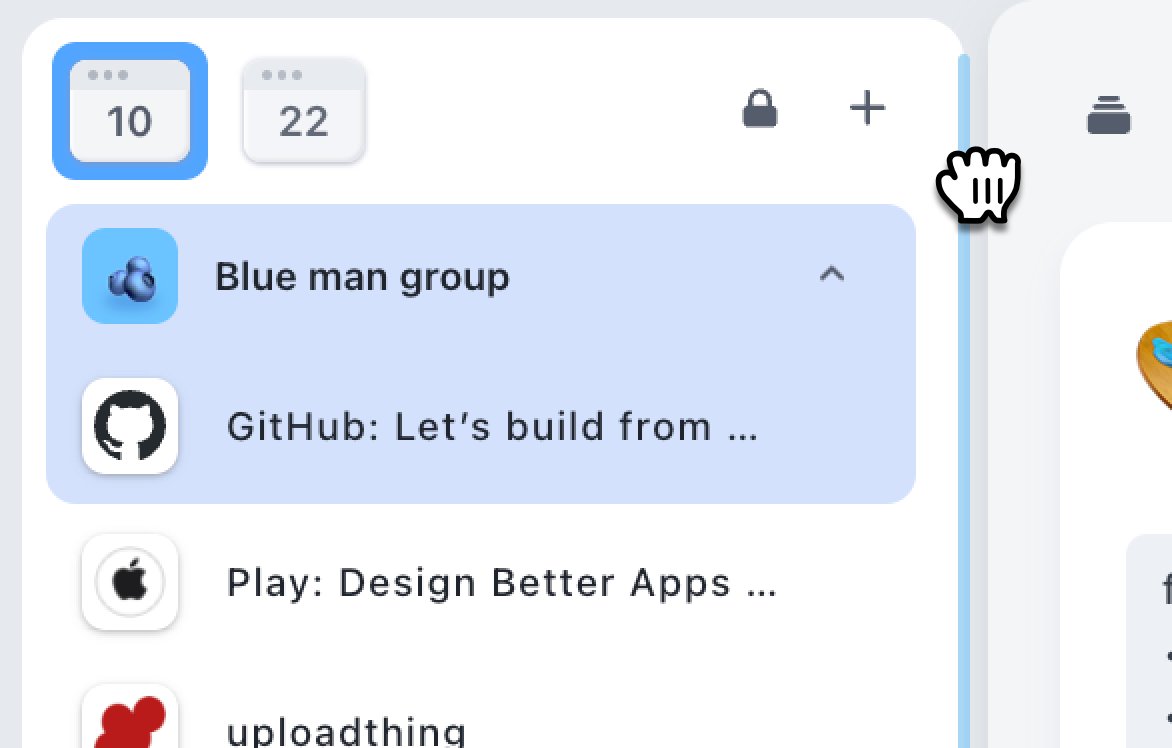
• Additionally, you can resize the entire area by locking the sidebar and hovering over the side.
181

v3.2 is out 🎉 - here are a few quick tips on how to use the new window overview in the tabs bar:
• As you might know, you simply click once to see the
other windows' tabs, and you can drag and drop these
into your workspace.

1
1
380
tabExtend retweeted

Working on a new version of tabExtend where the user will be able to handle multiple windows and containing tabs

We also have a new global size option for your saved items, more to come in this area as well 🙂
Besides the complete UI refresh and performance updates, you can now also access and write to your boards and groups from the web app. Try it out at tabextend.com/dashboard

2
138

The workspace picker is now it's own view, the workspace grid where you can besides quickly jump between your boards, drag and drop your categories between workspaces, edit name and emojs.

1
1
26
We now have full support for tab groups, edit name and manage your groups from within the interface:

1
2
27

See full release notes at tabextend.com/updates
🎊🎊🎊

2
137

- Resize group indicator and double click to equalize all groups widths in the current category

1
1
26
