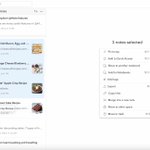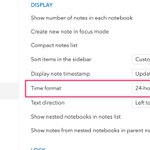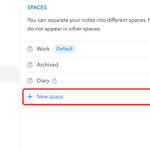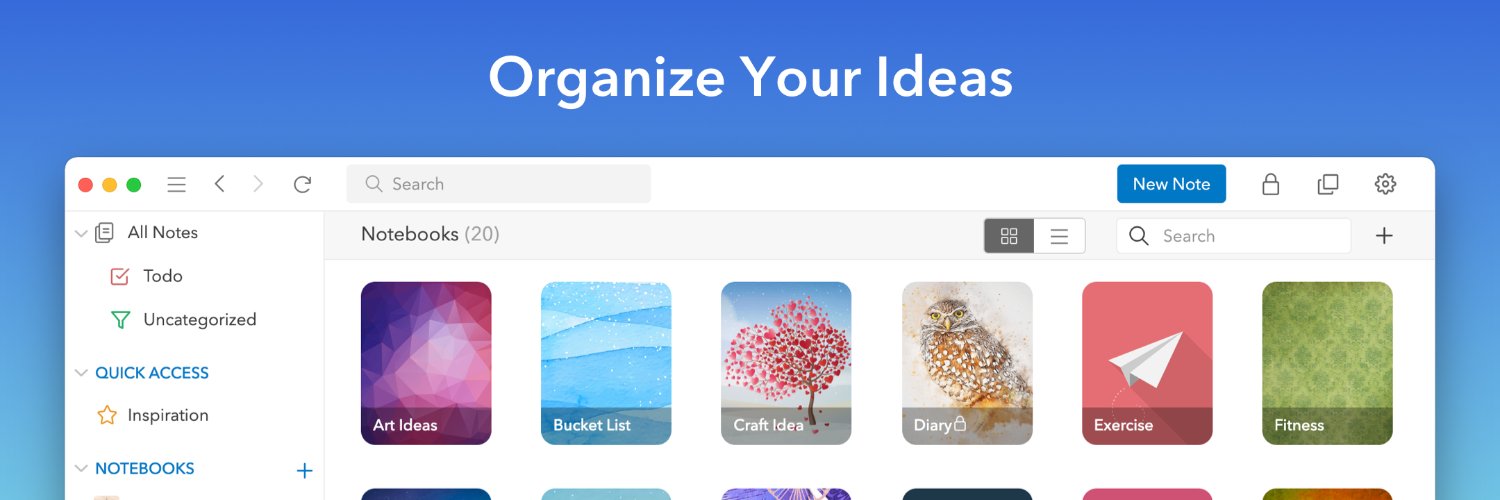
UpNote is a clean and intuitive app for note taking and organizing. Sync instantly on iOS, Android, Mac, Windows and Linux.

Joined March 2019
Include

Only show posts containing:

Exclude

Hide posts containing:

Time range
-
Minimum likes
Stay organized with less effort ✨ You can now automatically move completed to-do items to the bottom of your list, making it easier to stay focused on what’s next. ✅Enable it in Settings → Editor → Move completed to-do items to the bottom.
10
1
36
3,811
If you are using UpNote on Windows or Linux , you can now start UpNote minimized to the tray 🎉 Just update to v9.14.16 and enable: • Start UpNote at system startup • Run in the background when system starts from Settings > General > Other Enjoy a faster start to your day ✨
2
1
42
6,427
Replying to @zeroneLini
Hi, we have resolved the issue. Please update your app to the latest version and sign in again. Thank you.
337
Replying to @nzsago
Hi, we have resolved the issue. Please update your app to the latest version and sign in again. Thank you.
1
236
Replying to @dancing_tnhk
Hi, we have resolved the issue. Please update your app to the latest version and sign in again. Thank you.
1
174
✅We’ve fixed the issue causing users to be logged out when the app restarts. Please update to the latest version 9.14.6 for the fix. Thank you.
6
3
1
29
8,560
Replying to @zaki134rp
Hi, could you please try again, as the password reset is currently working intermittently? We are working on a permanent fix for this issue. Thank you.
1
162
Replying to @dorodango02
Hi, if you see a long red error message when signing in, please try pressing the “Sign in” button a few more times (up to 4–5 times). Please let us know if it works via email [email protected]. Thank you.
176
We’re happy to share that the Untagged filter is now available in UpNote 🎉 You can quickly find notes without hashtags, making it easier to review and organize your content. help.getupnote.com/get-organ…
3
2
53
8,732
Now you can quickly switch the view of your notes list — jump between a notebook, tag, Quick Access, or All Notes with ease 😄 Just use the shortcut: Cmd/Ctrl + Option + J ✨
5
2
57
8,834
Replying to @drewsnx
Thank you for your feedback. We will look into improving that in the next version.
1
2
163
🎨 You can now rearrange formatting icons on UpNote desktop! Click the Edit button at the end of the bar and drag icons to adjust their order. Your custom layout syncs with the mobile app. We hope this small change makes your writing experience smoother. 📝✨
7
3
72
6,531
📝 In the latest UpNote update, the Insert option has been moved to the bottom formatting bar for a more consistent editing experience. ⌨️ Don’t forget—you can use keyboard shortcuts to quickly insert or format your notes!
2
2
51
4,353
Replying to @umrkrim
Thanks for your support and glad that UpNote is useful for you. This feature is already supported, please see the guide for more details, thank you. help.getupnote.com/write-and…
1
2
156
Replying to @rvg_o
Hi, this issue has been fixed in the version 9.11.8, please update your app to the latest version, thank you.
1
162
Replying to @rvg_o
Hi, can you send a screen recording via email to [email protected] so that we can investigate? Thank you.
149
Replying to @pieterrrman
Hi, currently UpNote does not support Flatpack yet. We only support Snap and AppImage format.
150
Replying to @DaComboMan
Hi, currently UpNote only backs up data to a directory in your computer. Please see this guide for more details, thank you. help.getupnote.com/more/auto…
1
1
138
Replying to @Bluestreakcc
Hi, could you please remove the directory at C:\Users\{username}\AppData\Roaming\UpNote, then restart UpNote and sign in again to sync your data? Please let us know if that works for you, thank you.
1
107